
Inspect AI-edited photos
Check for recognized C2PA/JUMBF, AI-tagged XMP, comments, and related provenance that may have been added during an AI-assisted edit.
Photo-first AI metadata cleanup
Inspect a JPEG, PNG, or WebP photo for recognized AI provenance and tagged metadata, remove the supported blocks you choose, and verify the new copy before downloading it.
Choose imagesor drop JPEG, PNG, or WebP files here
Clean 5 images free per day. Files stay on this device.
Built around the result you need
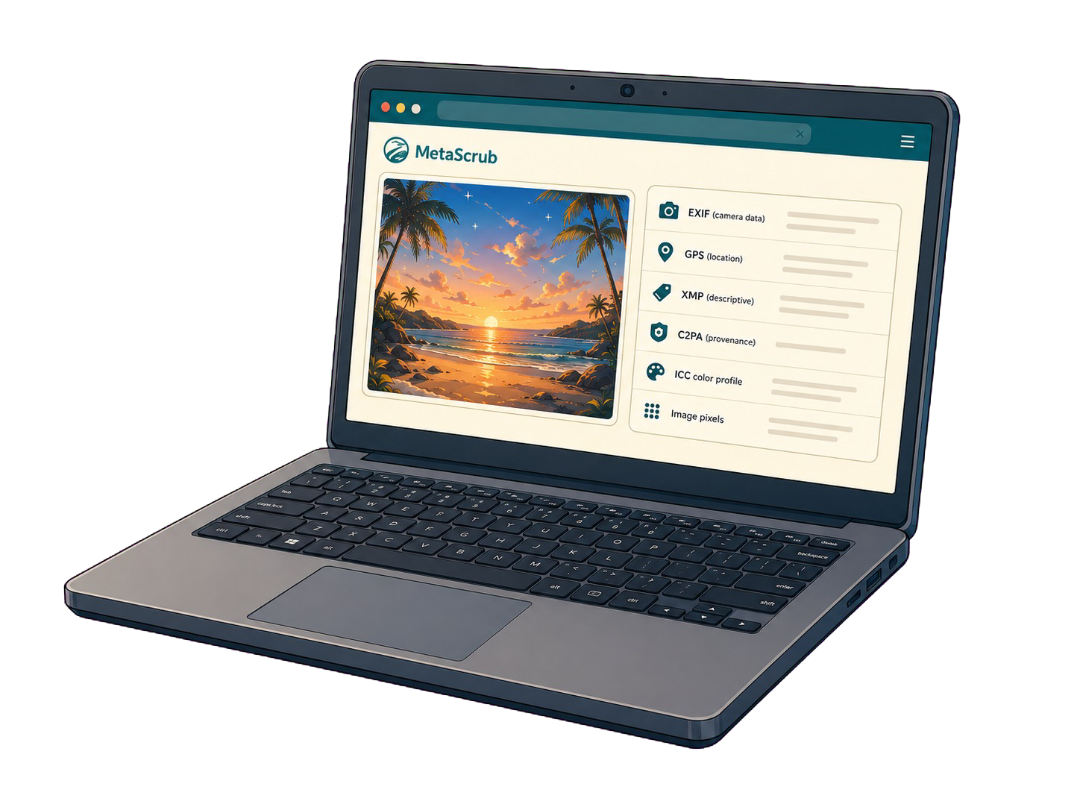
A photo can contain AI-related provenance alongside useful camera, location, caption, and color information. MetaScrub separates those layers before you choose a cleaning scope.
Check for recognized C2PA/JUMBF, AI-tagged XMP, comments, and related provenance that may have been added during an AI-assisted edit.
Use AI provenance only when camera EXIF, GPS, IPTC, non-AI XMP, ordinary non-AI-tagged comments where supported, ICC color data, and pixels should remain.
Use Privacy clean when location, camera, caption, credit, software, and recognized provenance metadata should be removed together.
Inspect before you remove
The workbench makes the source, chosen scope, and verified output visible instead of turning the photo into a mystery download.
Inside a supported image
Each layer serves a different purpose, so the cleaner reports it separately.

Camera, capture, device, time, and location details.

Captions, credits, rights, keywords, edits, and software fields.

Recognized C2PA/JUMBF provenance records and assertions.
Color profile and visual image data stay when possible.
Honest product boundaries
Clear answers before you clean
Add a supported photo, inspect the detected blocks, select AI provenance only for recognized AI-related metadata or Privacy clean for broader removal, then clean and download the verified copy.
Yes. AI provenance only keeps recognized EXIF and GPS, IPTC, non-AI XMP, ordinary non-AI-tagged comments where supported, ICC color data, and pixels while targeting supported AI-related provenance and tagged metadata.
No. Inspection and cleaning run locally in your browser. Adding and inspecting a photo does not use a free clean; one is counted only after an eligible image is successfully cleaned.
Not necessarily. MetaScrub changes recognized metadata inside the photo file only. It cannot control a platform label, creator disclosure, classifier, account signal, or pixel-level watermark.
Private by design
Inspect first. Clean only what you choose. Download a verified copy.
Choose images