
Exact batch accounting
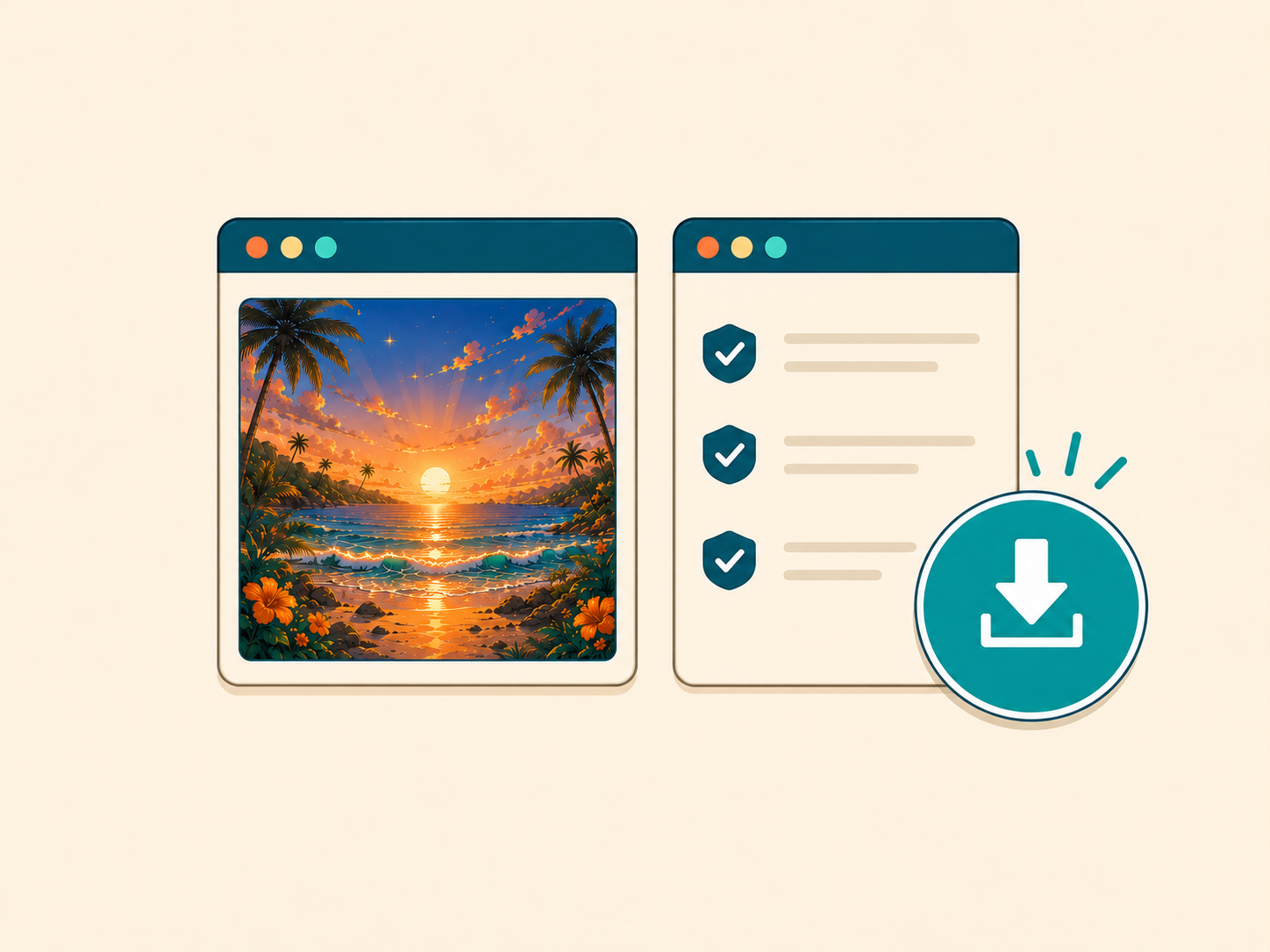
See how many images are being inspected, ready, cleaning, cleaned, unchanged, or need attention before you download anything.
Batch image metadata cleaner
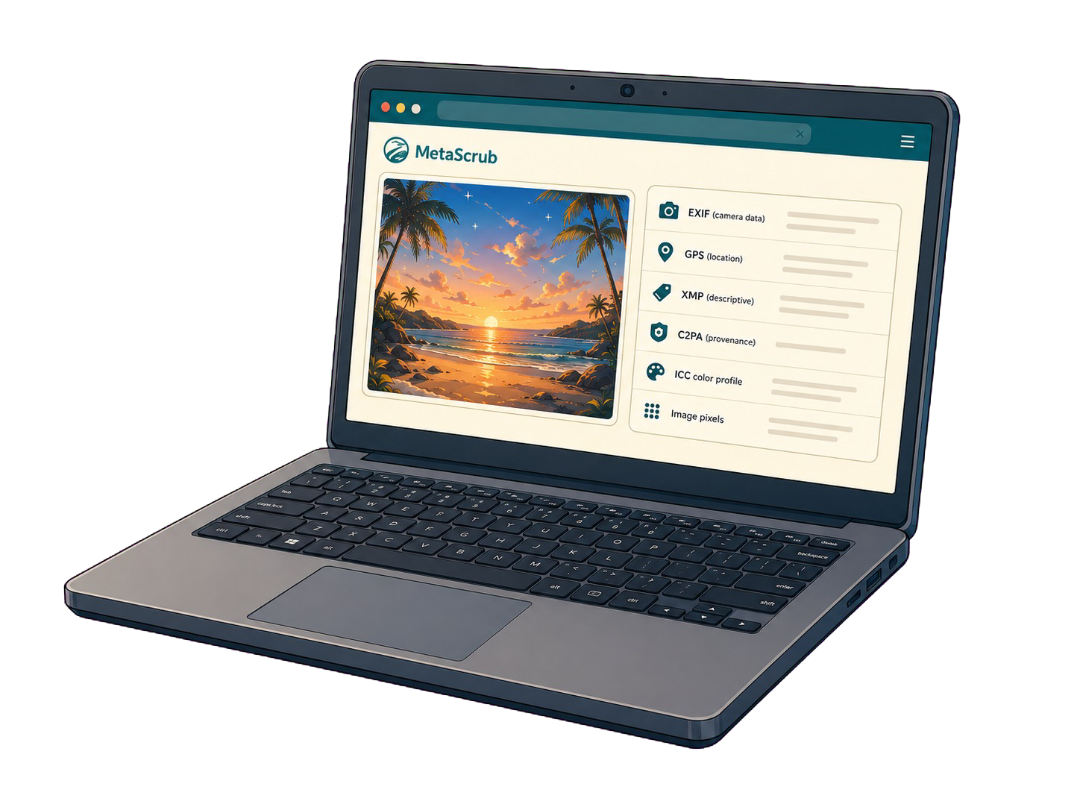
Add multiple JPEG, PNG, or WebP images, inspect recognized metadata across the batch, clean every eligible file with one chosen mode, and download the verified results together.
Choose imagesor drop JPEG, PNG, or WebP files here
Clean 5 images free per day. Files stay on this device.
Built around the result you need
Bulk cleaning is useful only when you can see what happened to every file. The workbench keeps the batch total, eligible files, completed files, and files with nothing removable separate.
See how many images are being inspected, ready, cleaning, cleaned, unchanged, or need attention before you download anything.
Apply Privacy clean or AI provenance only across the eligible batch instead of making an accidental file-by-file mix.
Review per-file results, download cleaned images individually, or package multiple completed files into a ZIP.
Inspect before you remove
The workbench processes each supported image separately, then rolls those results into one accurate batch state.
Batch sizes and access
Every option uses the same local cleaner, removal modes, per-file results, and verified downloads.
Free
Use the complete workbench for a small batch without paying.
One bulk batch
Pay once for the current batch. No recurring subscription.
$7 once
Monthly bulk
For recurring image batches. Cancel the monthly plan anytime.
$9.99 / month
Paid access can be restored with the checkout email. Source images still stay on your device during inspection and cleaning.
Inside a supported image
Each layer serves a different purpose, so the cleaner reports it separately.

Camera, capture, device, time, and location details.

Captions, credits, rights, keywords, edits, and software fields.

Recognized C2PA/JUMBF provenance records and assertions.
Color profile and visual image data stay when possible.
Honest product boundaries
Clear answers before you clean
The free tier covers up to five successful image cleans per day. A one-time bulk pass or monthly bulk access supports up to 200 images per batch.
No. Inspection, cleaning, and ZIP preparation run locally in your browser. Your source images are not sent to a MetaScrub server.
MetaScrub supports JPEG, PNG, and WebP still images. It does not process video, audio, PDFs, HEIC, TIFF, or RAW files.
The file remains visible in the batch as having nothing to remove. It is not counted as cleaned, so the completed accounting stays accurate.
Private by design
Inspect first. Clean only what you choose. Download a verified copy.
Choose images