
Recognized embedded tags
Inspect supported AI-tagged XMP, comments, C2PA/JUMBF, and related provenance stored inside the image.
Inspect embedded AI tags first
Check whether an image actually contains recognized AI-tagged metadata or provenance before removing it. MetaScrub shows what it finds, keeps the cleanup local, and verifies the result.
Choose imagesor drop JPEG, PNG, or WebP files here
Clean 5 images free per day. Files stay on this device.
Built around the result you need
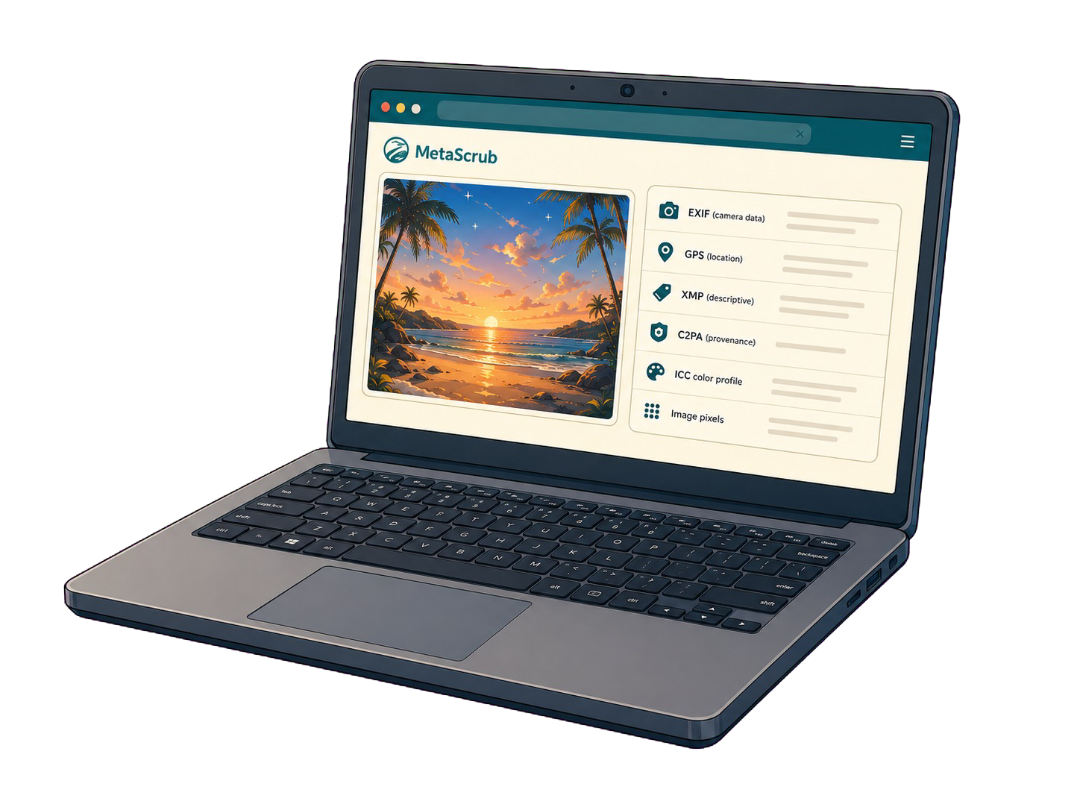
The useful first step is identifying where the “AI tag” lives. MetaScrub separates embedded metadata from signals controlled by an app, platform, or classifier.
Inspect supported AI-tagged XMP, comments, C2PA/JUMBF, and related provenance stored inside the image.
Remove recognized AI provenance while keeping ordinary EXIF, GPS, IPTC, non-AI XMP, ICC, and image pixels.
Review the removed and preserved blocks before downloading a new copy; the original file remains untouched.
Inspect before you remove
The browser workbench follows one visible path from inspection to a downloadable result.
Inside a supported image
Each layer serves a different purpose, so the cleaner reports it separately.
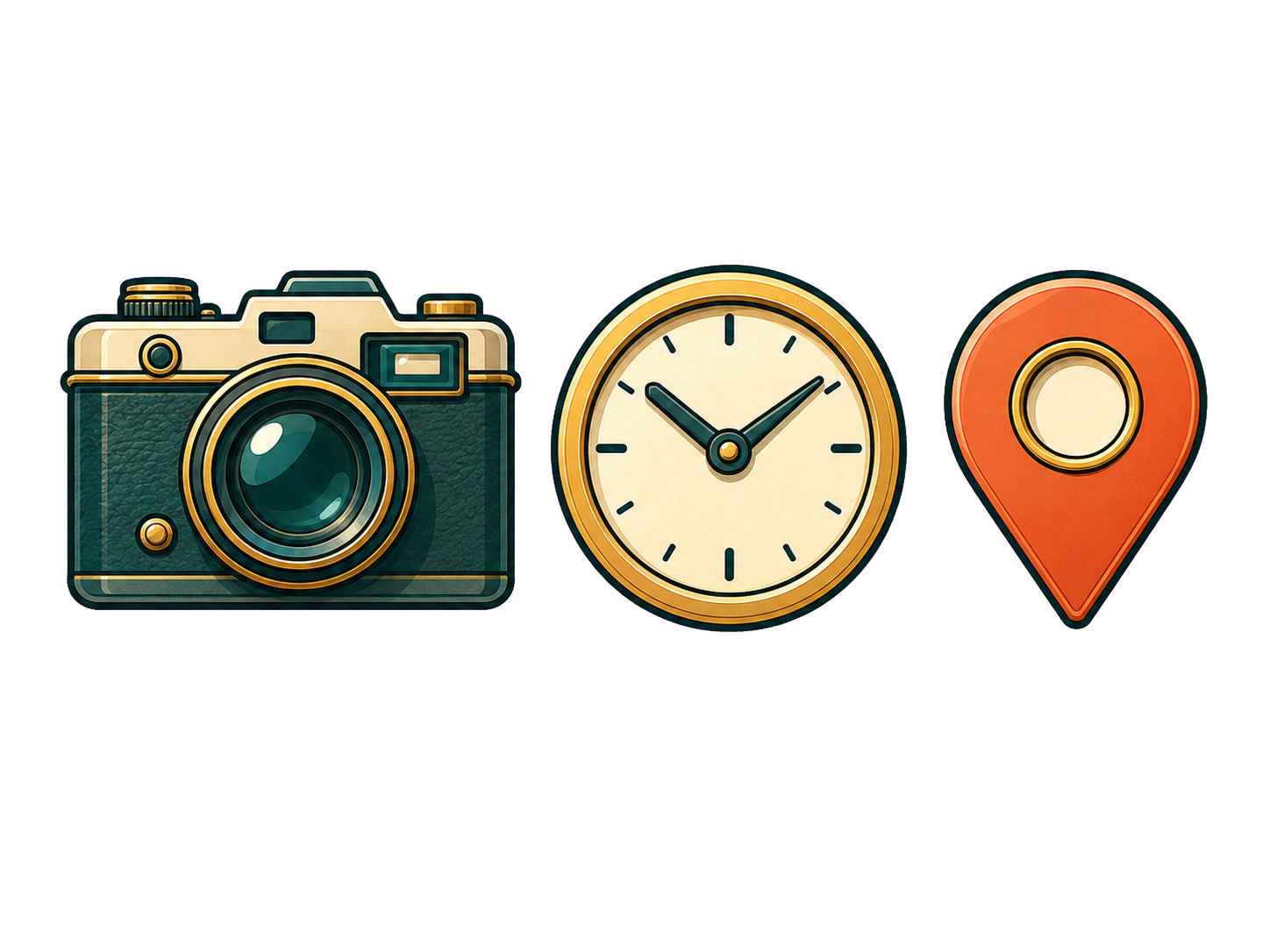
Camera, capture, device, time, and location details.

Captions, credits, rights, keywords, edits, and software fields.

Recognized C2PA/JUMBF provenance records and assertions.
Color profile and visual image data stay when possible.
Honest product boundaries
Clear answers before you clean
MetaScrub removes recognized supported AI-related metadata stored inside JPEG, PNG, and WebP images, including applicable provenance blocks and AI-tagged fields.
Choose AI provenance only. That mode keeps EXIF, including GPS, while removing recognized AI provenance and AI-tagged metadata.
It can change supported file metadata only. Each platform controls its own label, disclosure, and detection decisions, so no label outcome is guaranteed.
No. Adding and inspecting an image does not use a free clean. A free clean is counted only after an eligible image is successfully cleaned.
Private by design
Inspect first. Clean only what you choose. Download a verified copy.
Choose images