AI-edited photographs
Use the narrow mode when recognized AI provenance should go but original camera EXIF and GPS should remain.
Clean hidden data, not the photo
Inspect recognized AI provenance and metadata inside a photo, choose what to remove, and download a verified copy without retouching, filtering, or regenerating the visible image.
Choose imagesor drop JPEG, PNG, or WebP files here
Clean 5 images free per day. Files stay on this device.
Built around the result you need
This workflow fits photos that passed through an AI editor, generated images exported as photos, and ordinary images whose metadata history is unclear.
Use the narrow mode when recognized AI provenance should go but original camera EXIF and GPS should remain.
Inspect for recognized provenance and descriptive metadata instead of assuming every generator exports the same fields.
Use the broader mode when location, camera, caption, credit, and provenance metadata should be removed together.
Inspect before you remove
The two modes make the tradeoff explicit before any cleaned copy is created.
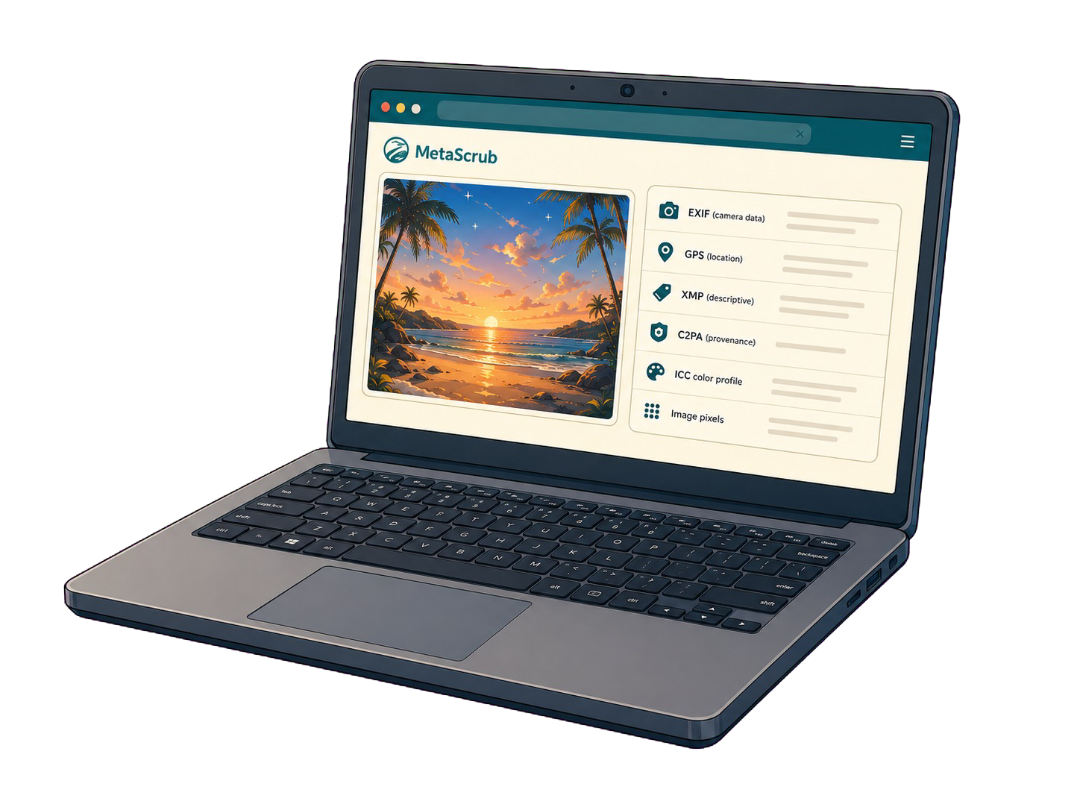
Inside a supported image
Each layer serves a different purpose, so the cleaner reports it separately.
Camera, capture, device, time, and location details.
Captions, credits, rights, keywords, edits, and software fields.
Recognized C2PA/JUMBF provenance records and assertions.
Color profile and visual image data stay when possible.
Honest product boundaries
Clear answers before you clean
No. MetaScrub cleans recognized metadata inside the file. It does not retouch, enhance, regenerate, or change the visible photo.
Yes, when recognized supported AI-related metadata is present. Choose AI provenance only if you want to keep ordinary EXIF and GPS.
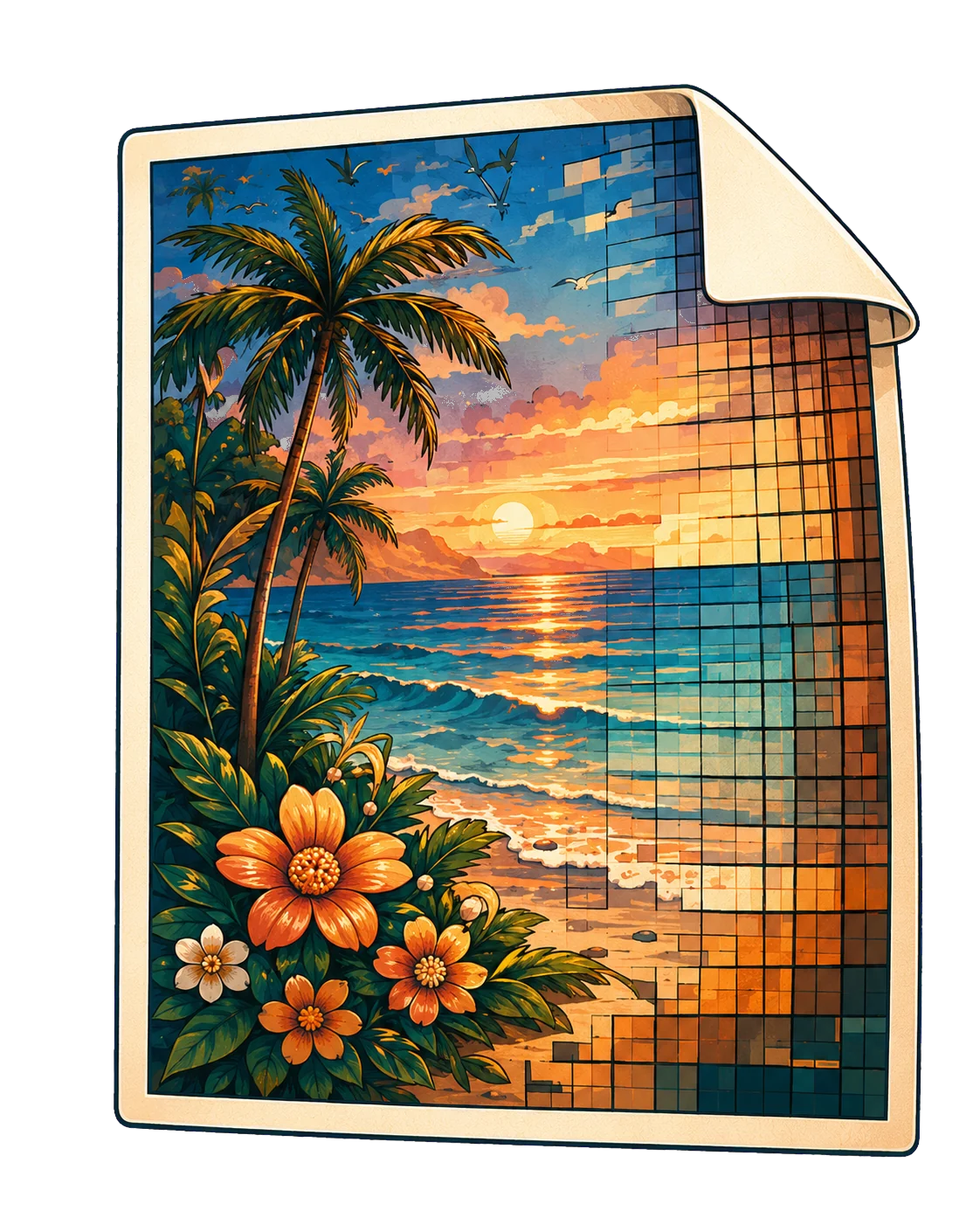
MetaScrub does not intentionally re-encode or alter image pixels while removing supported metadata, and it keeps ICC color data when possible.
MetaScrub supports JPEG, PNG, and WebP still images. It does not process video, HEIC, TIFF, RAW, PDF, or audio files.
Private by design
Inspect first. Clean only what you choose. Download a verified copy.
Choose images