
Embedded metadata
Recognized AI-tagged XMP, comments, or provenance blocks can be inspected and removed.
Recognized tags inside the file
Inspect the image instead of assuming an AI tag exists. MetaScrub identifies supported provenance and AI-related metadata blocks and reports what the selected mode removes.
Choose imagesor drop JPEG, PNG, or WebP files here
Clean 5 images free per day. Files stay on this device.
Built around the result you need
Different mechanisms require different remedies, and some are not removable from a local file at all.
Recognized AI-tagged XMP, comments, or provenance blocks can be inspected and removed.
Recognized embedded C2PA/JUMBF can be removed, but MetaScrub is not a full signature validator.
Instagram, TikTok, Facebook, X, and other services decide their own notices and disclosures.
Inspect before you remove
The workbench shows the supported metadata present in each file and applies the same transparent process to every image.
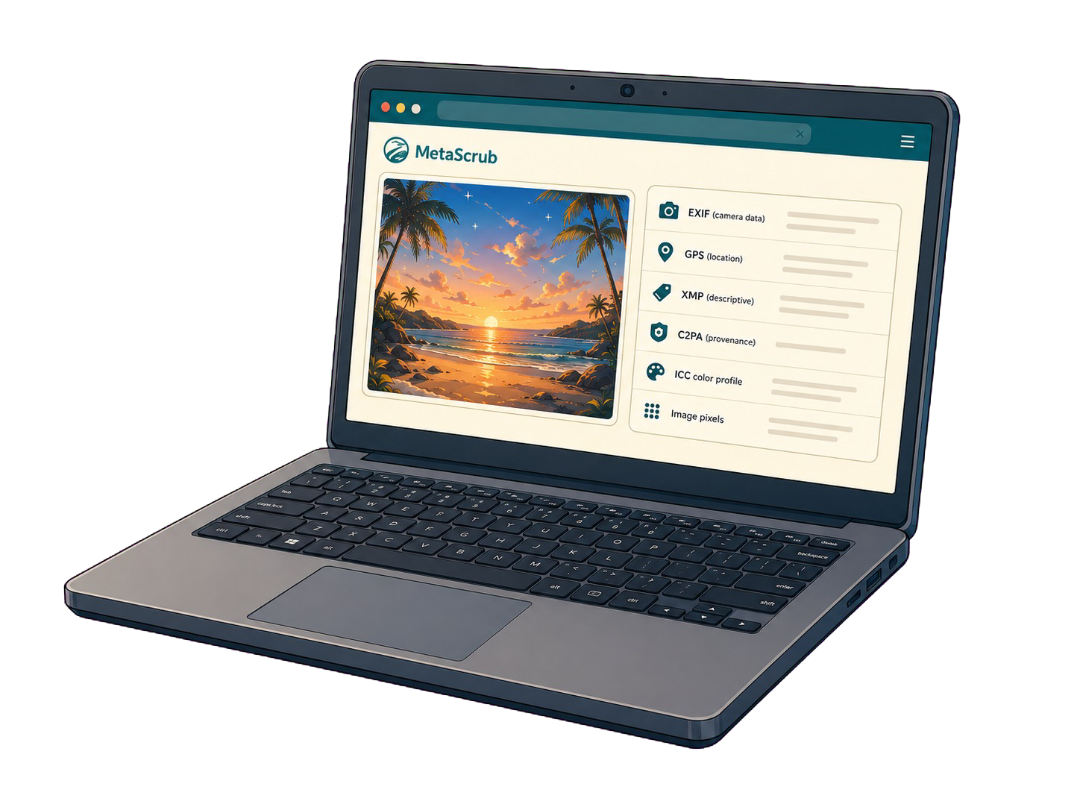
Inside a supported image
Each layer serves a different purpose, so the cleaner reports it separately.

Camera, capture, device, time, and location details.

Captions, credits, rights, keywords, edits, and software fields.

Recognized C2PA/JUMBF provenance records and assertions.
Color profile and visual image data stay when possible.
Honest product boundaries
Clear answers before you clean
You can remove recognized AI-related metadata stored inside a supported image. A platform label or classifier result is not stored in the local file and cannot be guaranteed.
Inspect the file and use AI provenance only for recognized AI-related metadata, or Privacy clean for broader supported metadata removal.
No. Visible marks and pixel-level watermarks are part of the image content and are not changed.
You can inspect a supported still image before posting anywhere, but each platform controls its own labels, rules, and detection systems.
Private by design
Inspect first. Clean only what you choose. Download a verified copy.
Choose images