








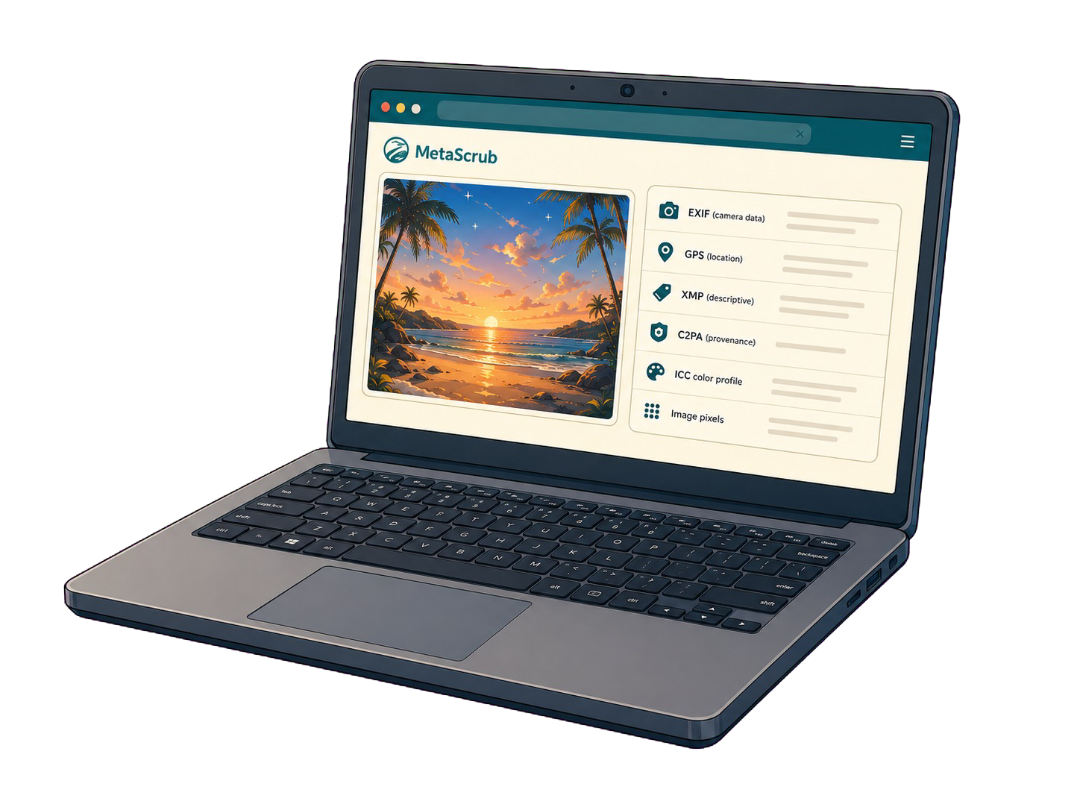








 beach-sunset.jpg
| EXIF camera data | Detected | Removed |
|---|---|---|
| GPS stored in EXIF | Detected | Removed |
| XMP, IPTC, and comments | Detected | Removed |
| C2PA Content Credentials | Detected | Removed |
| AI-tagged metadata | Detected | Removed |
| ICC color profile | Detected | Kept |
| Image pixels | Detected | Unchanged |
Private by design · Processed locally
Remove AI Metadata
Inspect and strip EXIF, GPS, XMP, IPTC, and C2PA Content Credentials from JPEG, PNG, or WebP files — without uploading your images.
or drop JPEG, PNG, or WebP files here
Clean 5 images free per day. Files stay on this device.
Cleaned using:
- Local processing
- Before/after verification
- Pixel data preserved
View cleaning details
Before cleaning
After cleaning
See what is present first, remove only what you choose, then verify the result.
Clean an image in three clear steps
- 01
Add and inspect
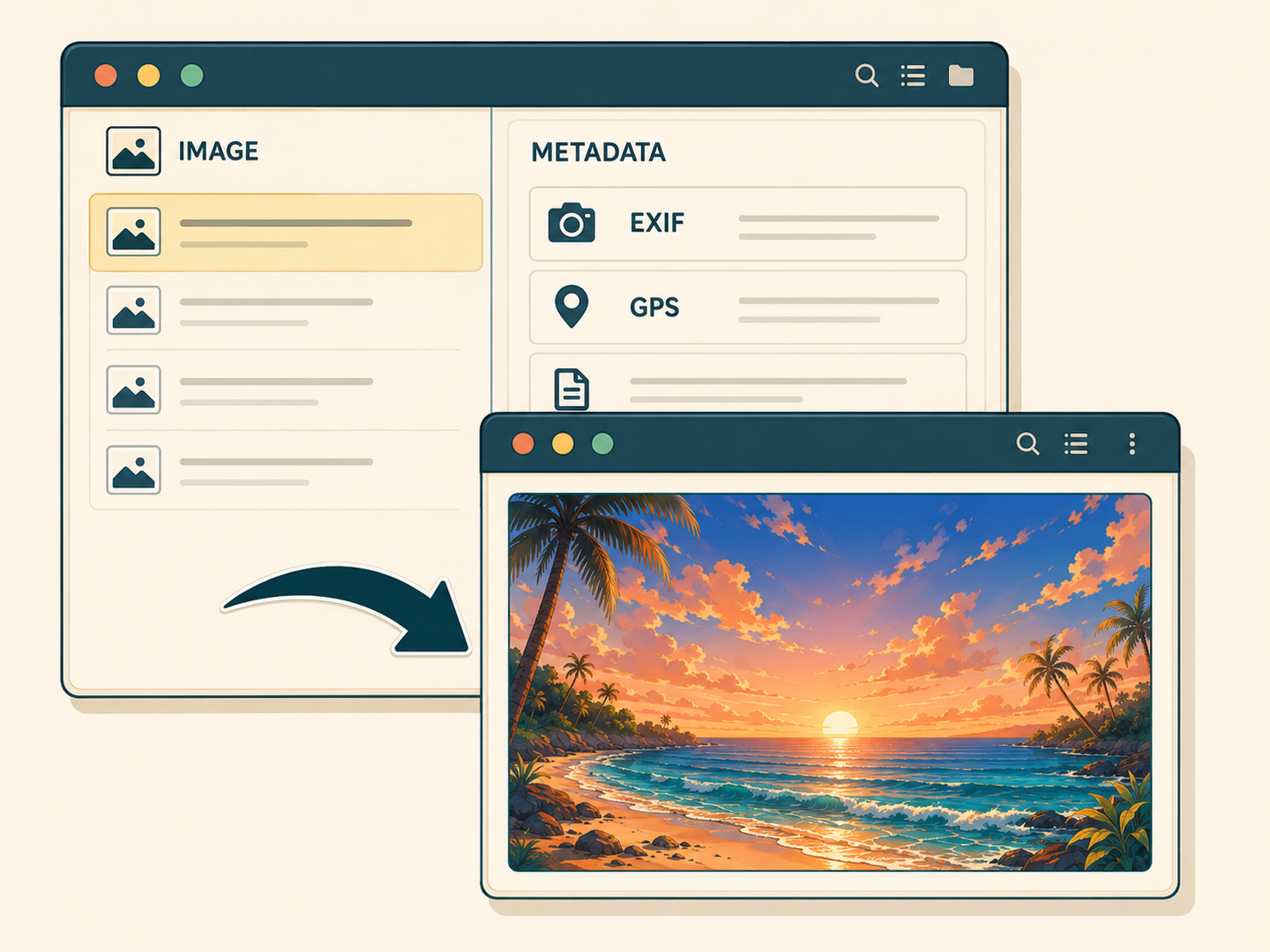
Choose one or more supported images. MetaScrub lists recognized metadata before changing anything.
- 02
Choose and clean

Remove broad privacy metadata or target only recognized AI-provenance metadata.
- 03
Verify and download

Review what was removed and kept, then download each cleaned image or a ZIP.
Your images stay in your browser
MetaScrub reads the file, rewrites supported metadata blocks in browser memory, and creates the download on your device. No image-upload endpoint takes part in cleaning.
- Your image
- Inspect
- Clean
- Download
No image upload endpoint · No account · No processing history
Choose exactly what leaves the file
| Metadata or behavior | Privacy clean | AI provenance only |
|---|---|---|
| EXIF camera data | Removed | Kept |
| GPS stored in EXIF | Removed | Kept |
| XMP, IPTC, and comments | Removed where recognized | Kept unless AI-tagged |
| C2PA Content Credentials | Removed | Removed |
| AI-tagged metadata | Removed | Removed |
| ICC color profile | Kept | Kept |
| Image pixels | Unchanged | Unchanged |
Support varies by image container because JPEG, PNG, and WebP store metadata differently.
See what changed before you download
beach-sunset.jpg
- Original file size
- 5.62 MB
- Cleaned file size
- 5.31 MB (−5.5%)


Built for image metadata — not magic

JPEG, PNG, and WebP only
Other image, video, audio, and document formats are not supported.

No field-level EXIF editing
Broad cleaning removes the EXIF block; it cannot remove GPS alone while keeping the rest.

Pixel watermarks stay
Invisible pixel-level watermarks such as SynthID are outside metadata and are not affected.

Platform labels are not guaranteed
Platforms can use classifiers and first-party history beyond the metadata inside a file.


Simple image-cleaning plans
Choose the access that fits your batch
Clean five images a day for free, buy one bulk batch when you need it, or subscribe for recurring bulk work. Every plan uses the same private, in-browser cleaner.
- Same cleaning modes
- Same local processing
- No account
Free
5 images per day
One bulk batch
Up to 200 images
$7one time
Monthly bulk
Up to 200 images per batch
$9.99per month
Cancel monthly anytime. Restore paid access on another browser with your checkout email.


Questions, answered
Everything to know before you clean
The practical details about privacy, quality, formats, modes, and limits.
Are my images uploaded?
No. Image inspection and cleaning happen locally in your browser. Your source images are not sent to a MetaScrub server.
Will removing metadata reduce image quality?
The cleaner removes supported metadata blocks without recompressing or changing the image pixel data. It keeps the ICC color profile in both modes.
Which image formats are supported?
JPEG, PNG, and WebP. Other image, video, and document formats are not supported.
What is the difference between the two modes?
Privacy clean removes recognized EXIF and GPS, XMP, IPTC, comments, and C2PA while keeping ICC. AI provenance only removes recognized C2PA/JUMBF and AI-tagged metadata but keeps EXIF, including GPS, and other non-AI metadata.
Can I remove only GPS and keep the rest of EXIF?
No. MetaScrub works at the metadata-block level. Use privacy clean to remove GPS with EXIF, or AI-provenance-only mode to keep the full EXIF block.
Will this remove an AI label from a platform?
Not necessarily. MetaScrub removes supported metadata inside the file only. A platform may use separate classifiers or information from its own tools.
Does this remove invisible AI watermarks?
No. Pixel-level watermarks are part of the image data, not the metadata blocks MetaScrub removes.
Is MetaScrub free?
Yes. The full cleaner works free for up to 5 images per day. A $7 one-time pass covers one bulk batch, while the $9.99/month plan is for recurring bulk work.

Private by design · Processed locally
Check what is hidden in your image
Inspect first. Clean only what you choose. Download a verified copy.
JPEG, PNG, or WebP · 5 images free per day · No account required