
Provenance records
Recognized C2PA/JUMBF may describe tools, edits, ingredients, or AI source types.
Inspect AI-generated image files
AI-generated and AI-edited images can carry ordinary metadata, provenance records, or no recognized metadata at all. Inspect first, then clean only the blocks that are present.
Choose imagesor drop JPEG, PNG, or WebP files here
Clean 5 images free per day. Files stay on this device.
Built around the result you need
Metadata can be added by the generator, an editor, a camera-roll export, or another tool later in the workflow.
Recognized C2PA/JUMBF may describe tools, edits, ingredients, or AI source types.
XMP, IPTC, comments, captions, credits, and software fields can accompany an AI image.
EXIF or GPS can appear after editing or export even when the original image was generated.
Inspect before you remove
Use a narrow scope for provenance or a broad scope for privacy, then review the verified output.
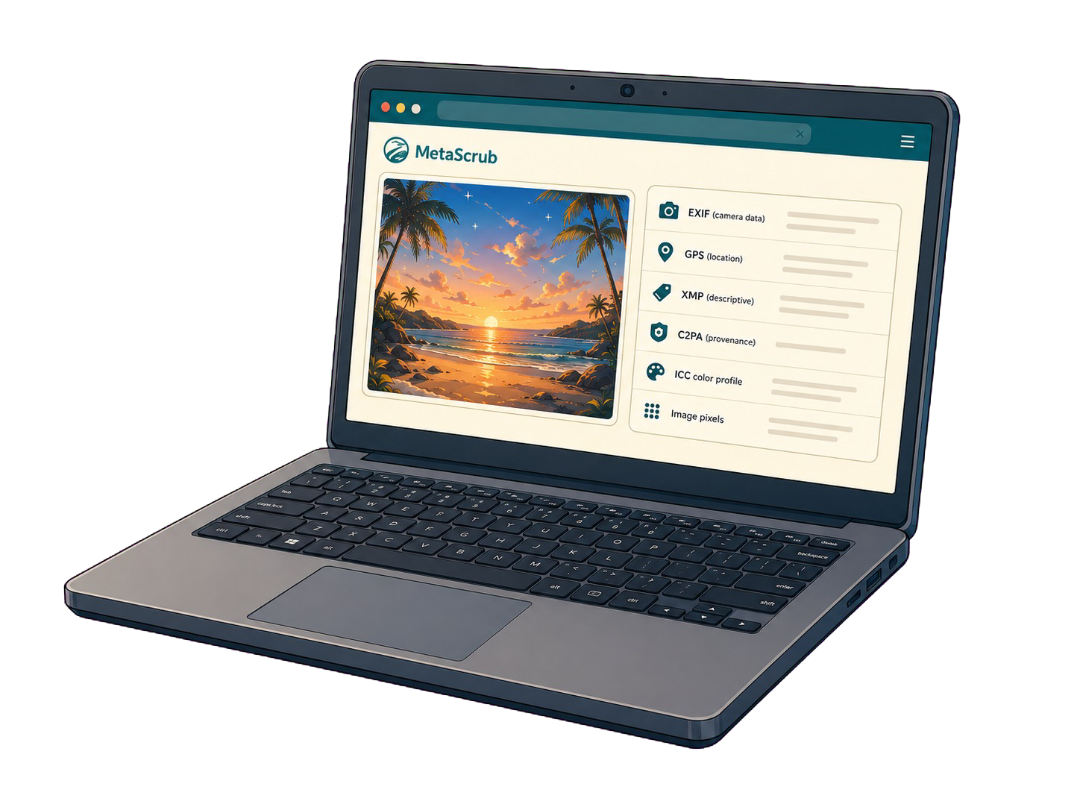
Inside a supported image
Each layer serves a different purpose, so the cleaner reports it separately.
Camera, capture, device, time, and location details.

Captions, credits, rights, keywords, edits, and software fields.

Recognized C2PA/JUMBF provenance records and assertions.
Color profile and visual image data stay when possible.
Honest product boundaries
Clear answers before you clean
You can remove recognized supported metadata that is embedded in a JPEG, PNG, or WebP file. Unknown or pixel-level signals remain.
No. Some files contain recognized provenance or descriptive fields; others contain none that MetaScrub supports.
It removes supported file metadata only. It does not remove visual artifacts, fingerprints, watermarks, or classifier signals.
No. A metadata result cannot guarantee how an image will be classified by a person, model, or platform.
Private by design
Inspect first. Clean only what you choose. Download a verified copy.
Choose images