Pulizia gratuita dei metadati · Nessun account richiesto

Photo privacy before sharing

Privacy dei metadati EXIF: cosa si nasconde nelle sue foto

A photo may carry capture time, camera settings, device details, GPS, captions, creator rights, editing data, and provenance. Inspect the actual file before deciding what to remove.

Inspect a photo's metadata
  • JPEG, PNG, or WebP
  • Processed locally
  • No image upload
A tropical photo file revealing the structured data carried inside it
  1. EXIF & GPS

    A camera, clock, and location pin representing EXIF and GPS metadata
  2. IPTC & XMP

    A document, pen, and copyright symbol representing IPTC and XMP metadata
  3. C2PA

    A signed certificate and shield representing C2PA provenance metadata
  4. ICC

    A color wheel and profile waves representing an ICC color profile

Inspect the file instead of assuming what it contains.

Privacy cleanup has a preservation tradeoff

Public marketplace/forum

A public storefront and globe representing public sharing

Privacy first—remove sensitive metadata and share a clean copy. Keep the untouched original.

Private family sharing

A family and lock representing private sharing

Inspect context and decide what to remove. Some data may be useful for memories.

A balance scale illustrating the tradeoff between privacy and preservation

Portfolio/licensed work

A photographer and shield representing licensed creative work

Copyright and attribution metadata can protect your work and support licensing.

Evidence/archive/journalism

Cameras and archival files representing evidence and journalism

Preserve original files and provenance for accuracy, verifiability, and integrity.

A woman pointing toward the local metadata inspection workflow

Inspect first, then clean a copy

  1. 1

    Add the file locally

    A photo with an add symbol representing choosing a local file

    Choose a JPEG, PNG, or WebP from your device.
  2. 2

    Review recognized blocks

    A metadata checklist and magnifier representing file inspection

    See which metadata blocks are present in your file.

  3. 3

    Choose broad or AI-only mode

    A shield and mode controls representing the two cleaning choices

    Pick the mode that matches your goal.
  4. 4

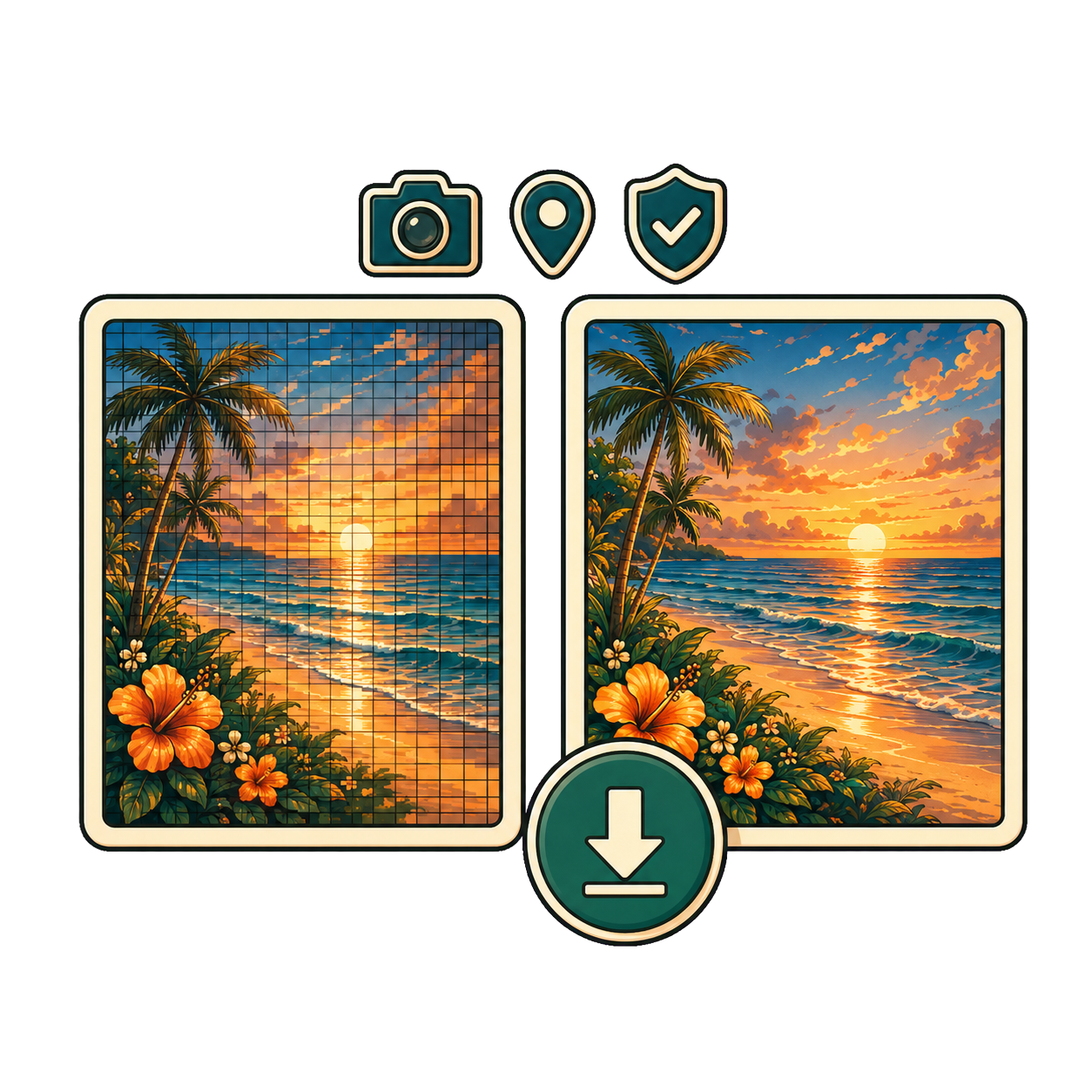
    Verify removed/kept blocks and download

    Before and after images with a download symbol

    Confirm what was removed and saved. Download your clean copy.

A shield representing broad privacy removal

Broad privacy removal

Removes recognized EXIF/GPS, XMP, IPTC, comments, and C2PA; keeps ICC.

A provenance badge representing AI-provenance-only cleaning

AI-provenance only

Removes recognized AI provenance; keeps EXIF including GPS.

Inspect a photo's metadata
  • Processed locally
  • No upload
  • Original file is not overwritten

Broad removal works at metadata-block level

Metadata blockBroad privacy removalAI-provenance only
EXIF & GPSRemovedKept (including GPS)
XMP & IPTCRemovedKept
C2PA (AI provenance)RemovedRemoved when recognized
Comments (e.g., image notes)RemovedKept
ICC color profileKeptKept
Image pixels (visual content)KeptKept

Your image stays in your browser

  1. File on your device

    A laptop with a local image folder
  2. Inspect metadata

    A metadata checklist with a magnifier
  3. Clean locally in browser

    A secured laptop representing local browser cleaning
  4. Verify what's kept or removed

    A verification checklist showing kept and removed metadata
  5. Download clean copy

    A cleaned image with a download symbol
  6. Untouched original remains on device

    A camera representing the unchanged original file
A secure laptop showing that image inspection and cleaning stay on the device

Files are read and rewritten in browser memory. The source image is not uploaded or overwritten.

  • 5 images per day free
  • Paid bulk batches up to 200
  • ZIP download available

What cleaning cannot guarantee

  • A platform may add new metadata

    A cloud receiving newly uploaded metadata records

    Web services can append fresh metadata after upload or processing.

  • A service may retain data already received

    A server stack representing data retained by another service

    MetaScrub cannot remove data stored by other services or third parties.

  • Visible pixels can reveal location

    A visible home and landscape that can reveal location details

    Landmarks, signs, weather, or shadows can reveal where and when.

  • Depicted people or scenes are not anonymized

    A group of visible people representing content that is not anonymized

    MetaScrub does not blur, mask, or alter visible content or identity.

  • Pixel-level watermarks remain

    A fingerprint over an image representing a pixel-level watermark

    Invisible watermarks or signal patterns in pixels are not removed.

What metadata can still be useful?

  • Capture date & settings

    A camera and clock representing capture date and settings

    Help you organize, search, and understand how the photo was captured.

  • Creator & copyright

    A pen and copyright symbol representing creator information

    Support attribution, licensing, and protection of your creative work and rights.

  • Captions & keywords

    A keyword tag and document representing captions and keywords

    Improve discoverability and workflow across teams and collections.

  • Provenance & archive

    A signed document and shield representing provenance and archives

    Provide verifiable history for authenticity, archives, and legal contexts.

When metadata may matter later, preserve an untouched original.

Questions about EXIF privacy

Do all photos contain GPS data?

No. GPS data depends on the device, camera settings, and workflow. Some files include it, while others never do. Inspect each file to see which metadata blocks are actually present.

Can I inspect metadata before removing it?

Yes. MetaScrub shows the recognized metadata blocks before cleaning so you can choose the mode that fits the file and your goal.

Can MetaScrub remove only GPS?

No. MetaScrub cleans recognized metadata at block level rather than editing one EXIF field. Broad privacy mode removes the recognized EXIF block, including GPS.

Does AI-provenance-only mode remove GPS?

No. AI-provenance-only mode keeps EXIF, including GPS, while removing recognized AI-provenance metadata.

Will removing EXIF reduce image quality?

No. EXIF is separate from the image pixels. Removing recognized metadata blocks does not recompress or intentionally alter the visual content.

Why does MetaScrub keep the ICC profile?

The ICC profile tells compatible software how to interpret color. MetaScrub keeps it so cleaning metadata does not cause an avoidable color shift.

Should photographers keep copyright metadata?

Often, yes. Creator and copyright fields can support attribution and licensing. Preserve an untouched original whenever those fields may matter later.

Are my photos uploaded?

No. Supported files are inspected and cleaned locally in your browser. They are not uploaded to MetaScrub for processing.

Which formats are supported?

MetaScrub supports JPEG, PNG, and WebP image files.

A woman pointing toward the photo metadata inspection call to action

Check the file instead of guessing

See which recognized metadata blocks are present, then decide what the cleaned copy should keep.

Inspect a photo's metadata
  • Local processing
  • Original file is not overwritten