MetaScrub — local block-level inspection

- JPEG, PNG, WebP
- Recognized C2PA/JUMBF blocks
- Before/after summary
- Local processing in your browser

Digital provenance, explained
Cryptographically signed provenance records—not universal truth certificates or AI detectors.
Check an image for embedded credentialsJPEG, PNG, or WebP · Processed locally · Block-level detection

The image or media file.

Statements about creation, editing, tools, or context.

Cryptographically signed by a trusted signer.

A tamper-evident provenance record.



May record when, where, and how the asset was created.

May record adjustments, crops, filters, or other edits.

May record apps, plugins, or versions used.

May record sources or materials used to create the asset.

May record who signed and under what role.

May record AI tools, models, or generation methods.



The manifest is well-formed.

The signature cryptographically matches the manifest.

The manifest is bound to this asset.

If content or manifest was changed, it can be detected.


It cannot verify the real-world events happened.

It cannot prove the asset was not AI-generated.

It cannot guarantee no bias or intent.

It cannot know your trust relationships or policies.

The manifest is stored inside JPEG or WebP metadata, such as a JUMBF/C2PA box.

The asset points to a manifest hosted on a server or trusted repository.

A fingerprint or invisible watermark can help rediscover it later.
Different tools, different jobs


Choose a JPEG, PNG, or WebP file.

See which recognized blocks are present in your file.

Pick the mode that matches your goal.

Confirm what will be removed and save your clean copy.
Removes recognized EXIF, GPS, XMP, IPTC, comments, and C2PA/JUMBF blocks while keeping ICC.
Removes recognized C2PA/JUMBF blocks and AI-tagged text while keeping EXIF, GPS, IPTC, and ICC.
Local browser processing · JPEG, PNG, and WebP
Reduced embedded workflow and signer metadata.

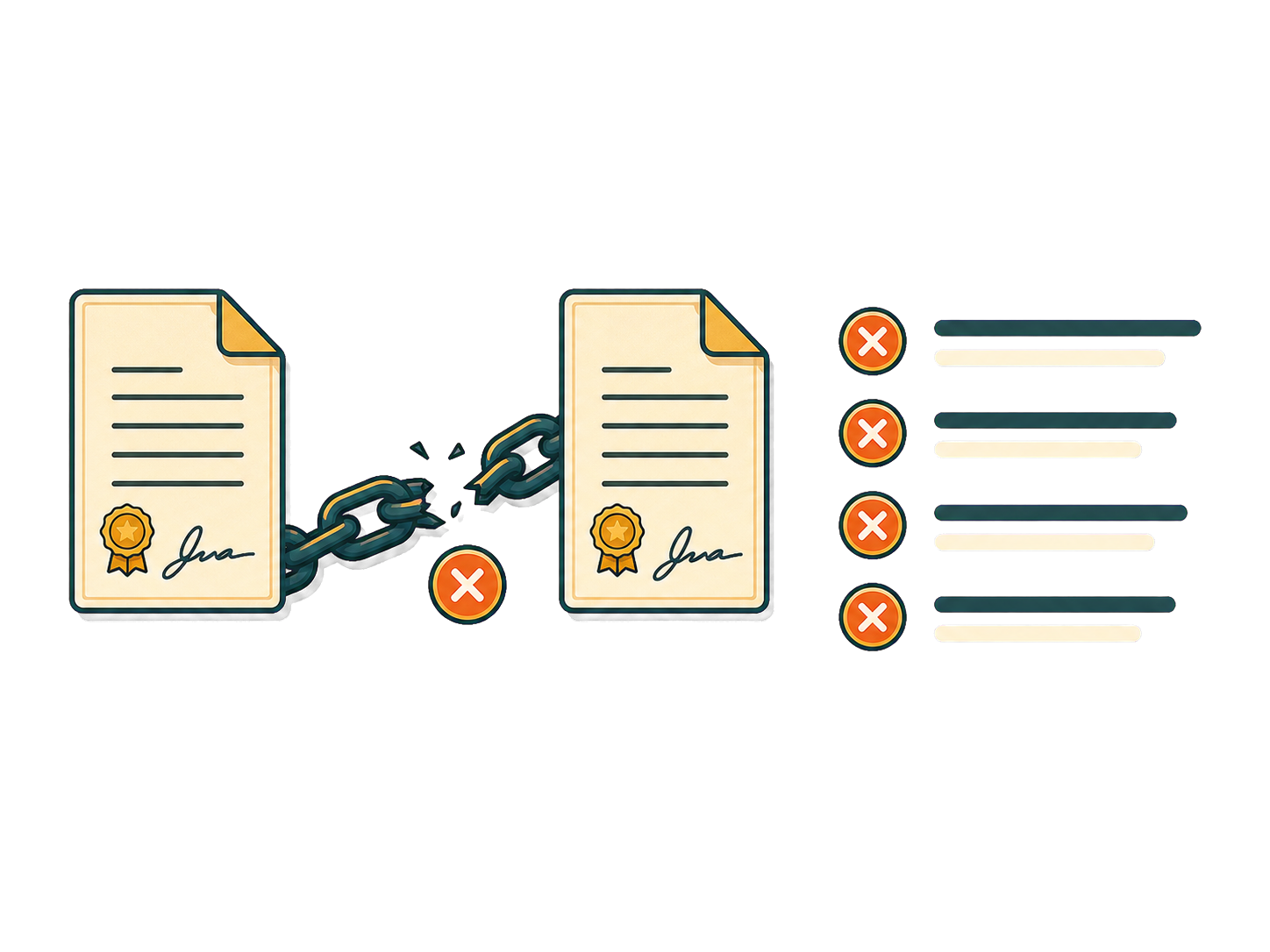
The embedded verification chain is broken for this copy.
No. EXIF typically stores camera and capture data. Content Credentials use a signed provenance manifest that can describe creation, edits, ingredients, and signer context.
No. Validation can show that a manifest is well-formed, signed, and bound to an asset. It cannot prove that the depicted event happened or that every assertion is factually true.
No. Support depends on the generating tool and export workflow. Some tools add C2PA manifests, some use other signals, and some add no durable provenance at all.
Yes. Cameras, newsrooms, editing tools, and publishing workflows can add Content Credentials to conventional photographs and other non-AI media.
No. A C2PA manifest is structured provenance data. Durable fingerprints or invisible watermarks are separate mechanisms that may be used alongside a manifest.
No. MetaScrub detects and removes recognized embedded C2PA/JUMBF blocks. Use a full C2PA validator when you need signature, trust-chain, or assertion validation.
Not necessarily. Removing an embedded block does not guarantee deletion of manifests stored in remote repositories or provenance rediscovered through durable fingerprints.
No. MetaScrub removes supported metadata blocks without changing the image pixels, so the visual image and its encoded pixel quality stay unchanged.
Yes. AI-provenance-only mode keeps EXIF, including GPS, while removing recognized C2PA/JUMBF and AI-tagged metadata. Use broad privacy removal when you also want GPS removed.
Reviewed against C2PA specification 2.4 · July 21, 2026